Live composition. Refine. Without losing the scene.
Scenes
What is Scenes?
One canvas. Every element. Total control.
Scenes is a new capability inside Forma that turns multiple AI-generated elements into one perfectly composed image.
One canvas where every element — products, figures, backdrops, props — lives together, lit together, and behaves together.
Not a generator. Not an editor. The place where your generated work becomes finished.
Built for designers who:
▪ Compose with multiple AI-generated elements and need them to feel like one photograph with details and depth
▪ Care about light direction, shadow physics, and edge fidelity at the pixel level
▪ Want to refine one part of an image without rebuilding the rest
▪ Demand precision the existing AI workflow has never offered
Scenes — an innovation in AI compositing.
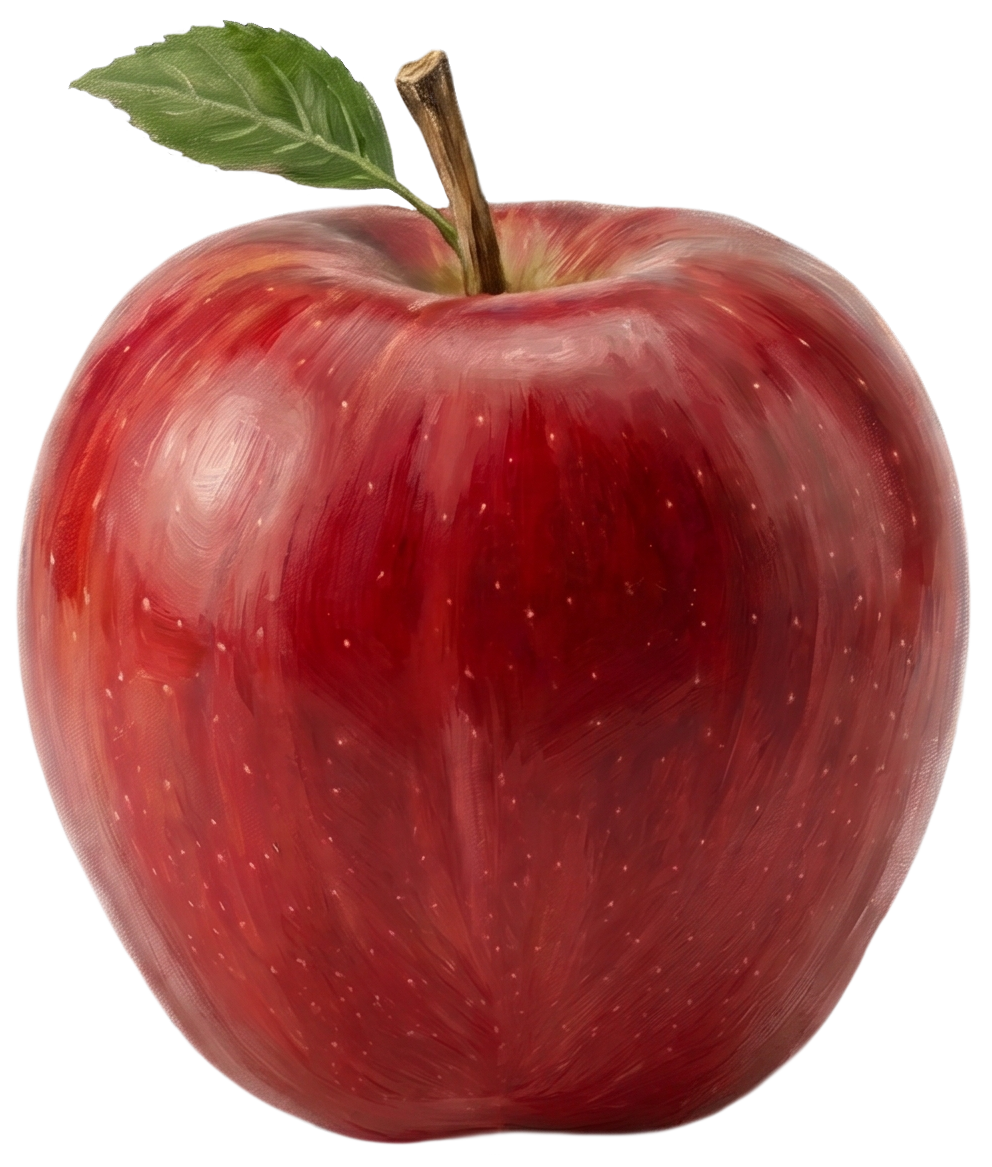
Issac Newton's apple was an innovation in understanding — it taught the world the laws beneath what we see.
Steve Jobs' apple was an innovation in experience — it taught the world that technology could be intimate, beautiful, human.
Scenes's apple is an innovation in creation — it lets designers turn scattered AI fragments into a single, harmonious scene.
Learn
How Scenes Work
Step 1
Bring your elements in.
Drop any AI-generated element onto the Scenes canvas. A product. A figure. A backdrop. A prop. Mix elements from different generations, different prompts, different moments of inspiration — Scenes accepts them all onto one shared workspace.
Step 2
Place them in space.
Position each element exactly where it belongs. Scale it. Rotate it. Set its depth. Scenes understands three-dimensional space, so a vase doesn't just sit on a table — it sits behind the candle and in front of the window. Every element knows where it stands.
Step 3
Layer with true depth.
Stack elements with z-depth awareness. Scenes calculates how each layer interacts with the others — what occludes what, what reflects what, what casts onto what — so your composition behaves like a real photographed space, not a flattened collage.
Step 4
Adjust each element on its own.
Every layer keeps its own controls. Brighten the subject without touching the background. Soften the depth-of-field on the foreground while keeping the distance crisp. Warm the key light on one object while leaving another in cool shadow. Independent control, indefinitely editable.
Step 5
Refine without losing the whole.
This is what changes everything. Regenerate a single element — swap the chair, restyle the jacket, replace the sky — and Scenes preserves the rest of your composition exactly as you composed it. No more starting over. No more cascading edits. The part changes; the whole remains.
Experience Scenes
Compose like a director. Light like a cinematographer. Refine like a retoucher. All in one canvas - Scenes.